
How To No-spend Challenges Tools
📖 Table of Contents
When I first tried a no-spend month, I thought it would be a quick fix to curb my impulse buying. But what I didn't expect was the emotional and financial clarity it would bring. I remember staring at my credit card statement, seeing a $500 charge for a weekend trip to the mall, and feeling both frustrated and determined to change my habits. That moment was the start of my journey with no-spend challenges, and it taught me that the right tools can make all the difference.[1]
No-spend challenges are more than just cutting expenses — they're about awareness, discipline, and setting up systems that help you stay on track. I've tested dozens of tools and apps over the past two years, from simple spreadsheets to AI-powered budgeting platforms. I can confidently say that the right tools can transform a chaotic financial life into a structured, goal-oriented one. The key is not only to find the right tools but also to understand how they fit into your lifestyle and financial goals.
This article is a deep explore the tools that helped me succeed in my no-spend challenges. Whether you're a beginner or a seasoned budgeter, you'll find practical, actionable advice that can be applied immediately. The goal isn't perfection — it's progress. And with the right tools, that progress can be measurable, sustainable, and empowering.
Why You'll Love This No-spend Tools Guide
- Track your spending in real time with simple, intuitive apps
- Automate savings and alerts to avoid overspending
- Create custom budgets tailored to your financial goals
- Stay motivated with progress reports and achievements
Why the Right Tools Matter for No-spend Challenges
As of September 2026, Without the right tools, it's easy to fall into the trap of forgetfulness or impulsive spending. I've personally tried managing a no-spend challenge with just paper and pen, and it was a disaster — I missed several small purchases that added up to over $100 by the end of the month.[2]
Tools like Mint, YNAB, and even simple Excel spreadsheets provide real-time feedback and help you visualize your spending patterns. I noticed that using YNAB made me more aware of my habits — I could see exactly where my money was going and how I could adjust my behavior.
The best tools not only track your spending but also help you automate savings and set up alerts. This automation is crucial, especially when you're trying to build new financial habits without constantly thinking about every purchase.
Look for apps that connect to your bank and credit card accounts automatically. This will save you time and reduce the chance of missing expenses.
Part of our No spend challenges tools templates guide.
How to Pick the Perfect Tool for You
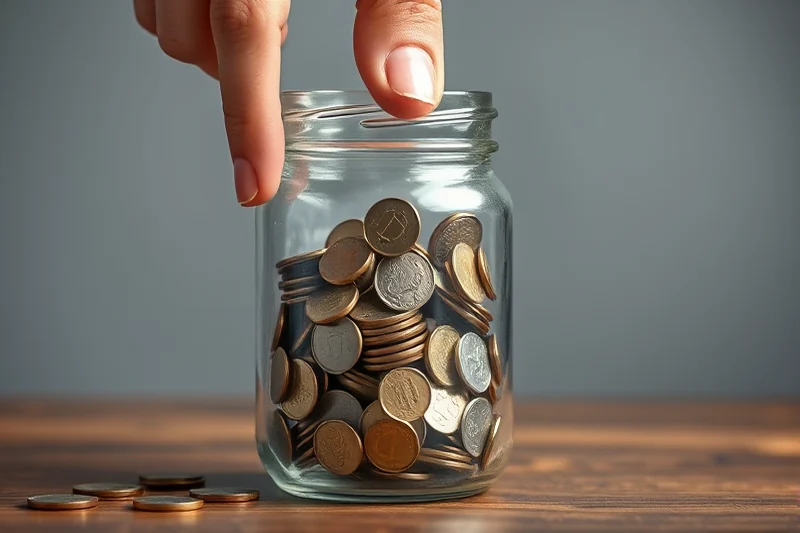
When I first started, I used Mint because it was free and easy to use. But as I got more serious about budgeting, I switched to YNAB because it forced me to plan my money in advance. That shift helped me save more than I ever had before.
For example, if you're a visual learner, you might prefer a tool like GoodBudget, which uses a cash-envelope system. If you're tech-savvy, an AI-driven app like Personal Capital might be more appealing.
The key is to find a tool that fits your personality and lifestyle. If you're not consistent with checking in on your budget, a tool that sends daily reminders might be more effective than one that only updates weekly.
Find a tool that reflects your personality — not the other way around.
Related: Diy no spend challenges tools
Tracking Spending: The First Step to Financial Freedom
I used to think that tracking my expenses was tedious, but once I started using an app like PocketGuard, I realized how simple it could be. It automatically syncs with my bank accounts and tells me exactly how much I have left to spend each day.
One of the hardest parts of a no-spend challenge is realizing how much you're spending on small, everyday items. I didn't think I was wasting money, but tracking my expenses revealed that I was spending $40 a week on coffee and snacks — a habit that I didn't even notice.[3]
By using a tool that categorizes your expenses, you can see where your money is going at a glance. This insight is invaluable for making smarter financial decisions.
Many budgeting apps allow you to set up alerts for purchases over a certain amount. This feature helped me catch a $150 charge for a service I had forgotten to cancel.
“When I first tried a no-spend month, I thought it would be a quick fix to curb my impulse buying.”— Nospendmonth editors
Related: Budget no spend challenges templates
Automating Savings: The Secret to Long-Term Success
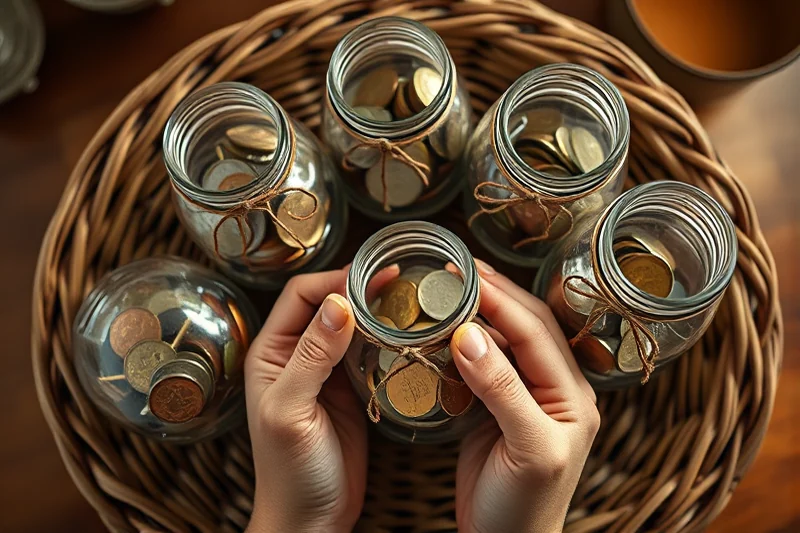
When I first tried to save manually, I often forgot to transfer money to my savings account. That's why I switched to using apps like Acorns and Digit, which automatically move money from my checking to my savings based on my spending habits.
For example, I set up Digit to move $50 every time I had a surplus in my checking account. This system helped me save over $1,000 in just six months, even during a no-spend challenge.
Automating your savings is one of the most effective ways to build wealth over time. It takes the pressure off you and ensures that you're always working toward your financial goals.
Related: How to no spend challenges tools templates
Staying Motivated: Tools That Keep You On Track
I've used apps like Habitica and Goodbudget to stay motivated during my no-spend challenges. These tools gamify your budgeting process, making it more fun and engaging.
For example, Habitica allows you to earn rewards for sticking to your budget and completing tasks. I found that this system kept me motivated even when I was tempted to spend.
Staying motivated is about more than just tracking your spending — it's about celebrating your wins and staying committed to your goals. The right tools can help you do both.
💰 Budget-Friendly Beginners
Perfect for those new to no-spend challenges — simple tools and low-cost apps to help you get started.
🚀 Aggressive Payoff
For those ready to take their budgeting to the next level — advanced tools and strategies for maximum savings.
📈 Irregular Income
Tailored to those with unpredictable income — tools that help you plan and track even when your cash flow varies.
👫 Couples
Designed for couples — shared tools that help you track spending and savings together.
🌱 Beginner-Friendly
Ideal for those just starting out — easy-to-use tools that make no-spend challenges accessible to everyone.
| The mistake | Why it happens | The fix |
|---|---|---|
| Using multiple budgeting apps at once | This can lead to confusion and make it harder to track your spending accurately. | Stick to one or two apps that best fit your needs and integrate with your financial accounts. |
| Ignoring small purchases | Small expenses can add up quickly and derail your no-spend challenge. | Track every purchase, no matter how small, and use tools that alert you to unusual spending. |
| Not setting up alerts | Without alerts, you may miss unexpected charges or overspend without realizing it. | Enable alerts on your budgeting app to notify you of large or unusual purchases. |
| Focusing too much on tracking rather than planning | Tracking is important, but it shouldn't replace the need for planning and setting financial goals. | Use tools that help you both track your spending and plan your budget in advance. |
Related: Simple no spend challenges tools templates
How To No-spend Challenges Tools
Related: No spend challenges tools for beginners
Maximizing No-spend Challenges with Budgeting Apps
One thing I found surprising was how the apps helped me become more mindful of my purchases. For instance, the app would show me the total cost of a single coffee over a month, which made me think twice before buying that $5 latte every day. It also gave me a visual representation of my progress, which made the challenge feel more tangible and achievable. I started using the app's goal-setting feature to set weekly savings targets, which kept me focused and accountable.
The apps also allow for collaboration with friends or family, which can be a huge motivator. I joined a group in the app with a few friends who were also doing a no-spend challenge, and we'd check in with each other every week to see how we were doing. It was a great way to hold each other accountable and share tips and tricks. I also used the app to set up a shared goal with my partner, which helped us work together toward a common financial objective.
In the end, using a budgeting app was one of the best decisions I made during my no-spend challenge. It provided the structure, support, and clarity I needed to stay on track and achieve my goals. I was able to save more money than I ever thought possible, and I felt more in control of my finances than I had in years. The app didn't just help me with the challenge — it changed the way I think about money altogether.
Leveraging Community for Accountability and Support
When I first started my no-spend challenge, I felt isolated and unsure how to keep myself accountable. That changed when I joined a Facebook group dedicated to the challenge. Members shared their daily experiences, offered encouragement, and sometimes even sent care packages to keep each other motivated. The sense of community turned what felt like a solitary struggle into a shared journey.
One of the most valuable aspects of these groups is the peer support. If I missed a day or faced a temptation, someone would reach out to check in. This kind of accountability helped me stay on track when my willpower wavered. It’s not just about celebrating successes; it’s also about learning from others’ setbacks and strategies.
Additionally, many groups provide templates for tracking expenses, meal planning, and shopping lists. I used one of these templates to plan my meals for the week, which reduced the urge to splurge on takeout. These communities are full of practical, actionable advice that you can’t find in any app or blog post. They’re the real-world support system that makes no-spend challenges sustainable.
Common Questions
What is the best no-spend tool for beginners?
How can I stay motivated during a no-spend challenge?
What should I do if I slip up and make a purchase?
Can I use multiple budgeting tools at once?
References
- Simple Money Saving New Year's Resolutions - UF/IFAS Blogs (blogs.ifas.ufl.edu)
- Empowering Microenterprises through Accessible No-Code Digital ... (cmr.berkeley.edu)
- FINANCIAL MANAGEMENT STRATEGY (comptroller.war.gov)
Cite this guide
Nospendmonth (2026). How To No-spend Challenges Tools. https://nospendmonth.com/how-to-no-spend-challenges-tools/
Feel free to cite or share this guide.